> ## Documentation Index
> Fetch the complete documentation index at: https://alphacastio.mintlify.site/llms.txt
> Use this file to discover all available pages before exploring further.
# Fetch Alphacast Dataset
> Pull an existing Alphacast dataset into a pipeline as its starting point.
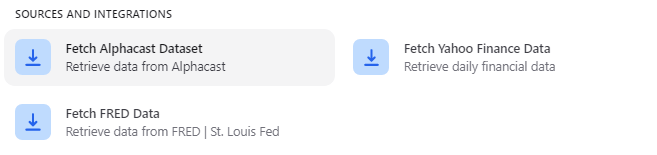
The **Fetch Alphacast Dataset** step chooses the dataset that the rest of your pipeline steps operate on. It is predefined when you create a pipeline and is almost always the first step.
 ## Select a dataset
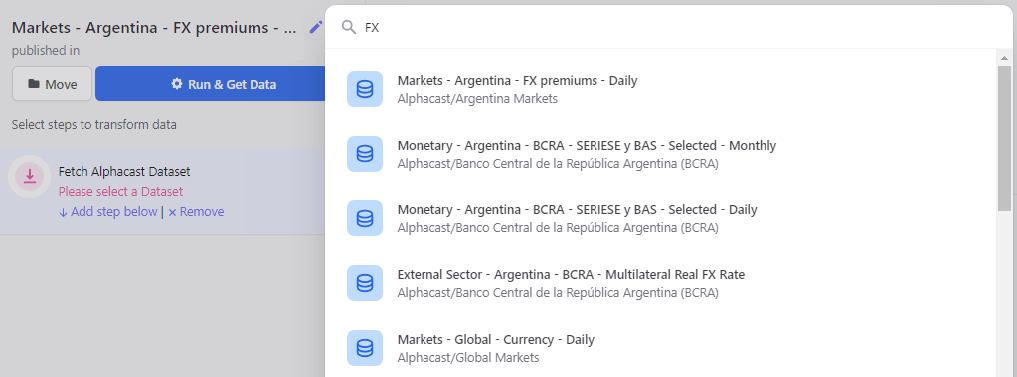
Start typing in the search box and matching datasets appear as you type. Pick the one you want and save the step.
## Select a dataset
Start typing in the search box and matching datasets appear as you type. Pick the one you want and save the step.
 You can only fetch datasets you have read access to. See [Repositories](/concepts/repositories) for how access levels work.
## Next steps
Narrow the dataset down to the columns you need.
Restrict the pipeline to a date range.
You can only fetch datasets you have read access to. See [Repositories](/concepts/repositories) for how access levels work.
## Next steps
Narrow the dataset down to the columns you need.
Restrict the pipeline to a date range.