> ## Documentation Index
> Fetch the complete documentation index at: https://alphacastio.mintlify.site/llms.txt
> Use this file to discover all available pages before exploring further.
# Fetch FRED Data
> Import economic time series from the St. Louis Fed's FRED database into a pipeline by series code.
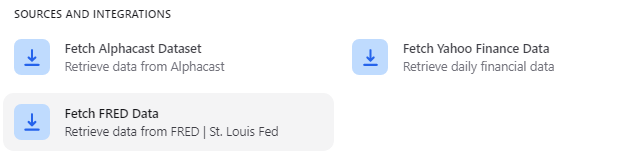
[FRED](https://fred.stlouisfed.org/) is the database maintained by the Federal Reserve Bank of St. Louis, with hundreds of thousands of US and international time series drawn from over a hundred sources. The **Fetch FRED Data** step imports any of them into a pipeline.
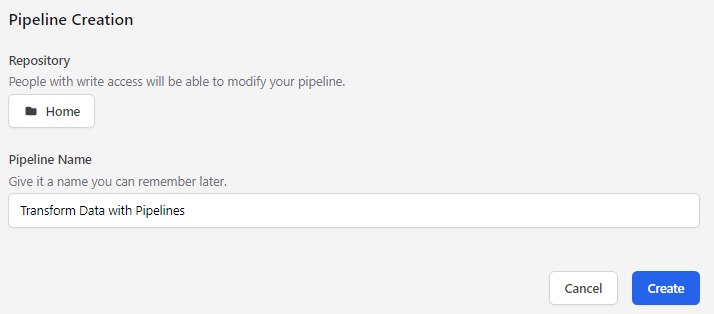
Click **Create new pipeline** in the top right corner, choose the repository and a name, then click **Create**.
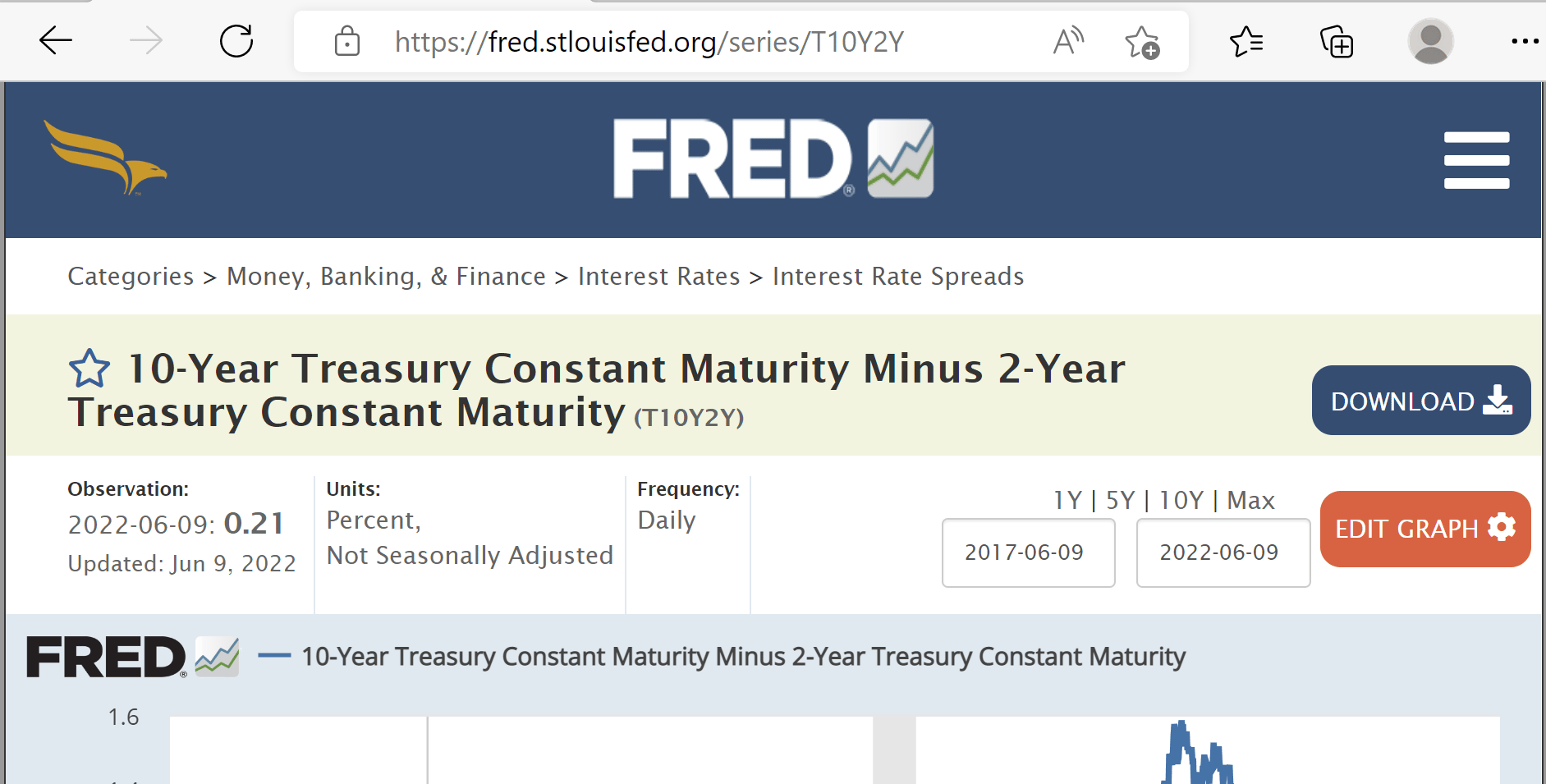
 Every FRED series has a unique code, shown both in the page URL and next to the series name. In the example below the codes are `T10Y2Y` and `MORTGAGE30US`.
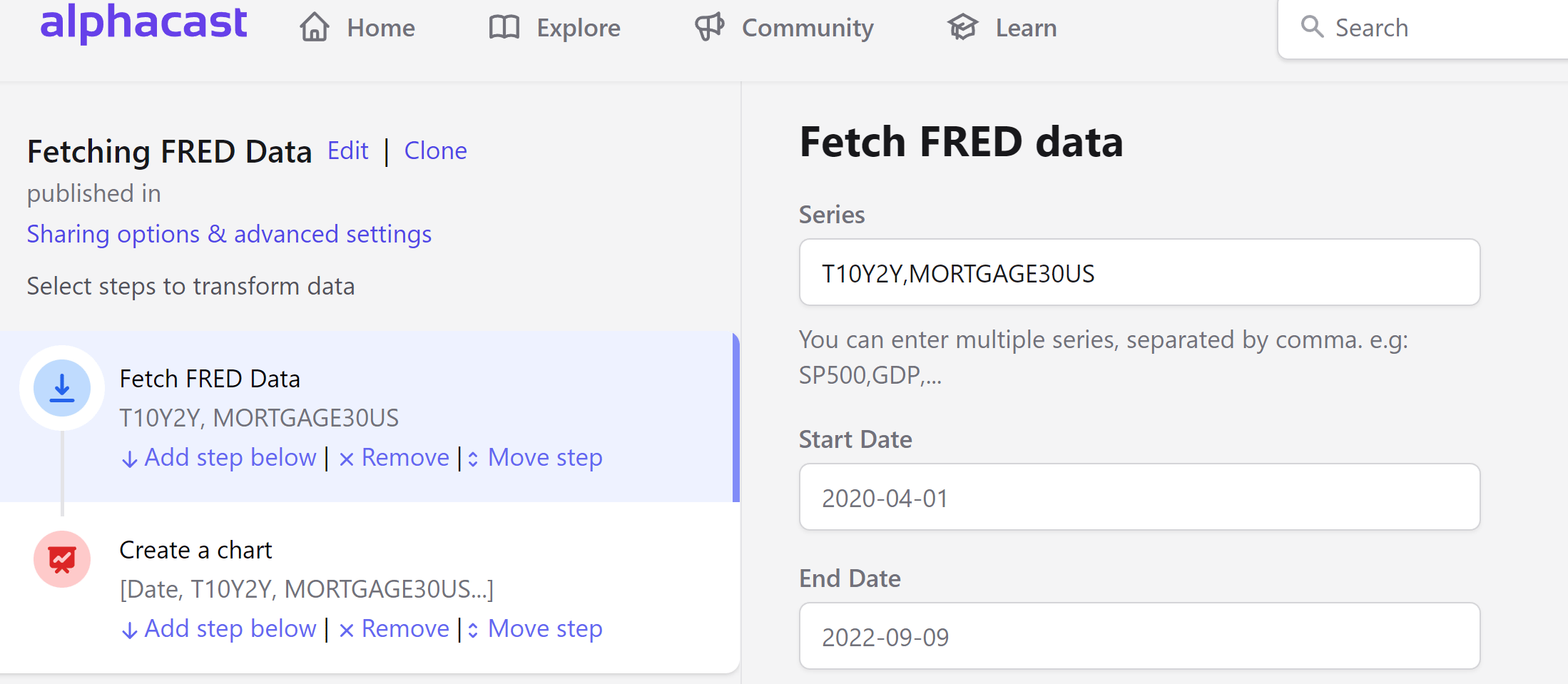
 Add as many series as you need, separated by commas. See a [working example pipeline](https://www.alphacast.io/pipelines/2022-6-10-xaJGgt/view).
 Once the step runs you can publish the result as a dataset, chart it, or keep transforming it with further steps.
FRED series can also be browsed and fetched through the Data Providers API — see [Data providers](/concepts/data-providers).
## Next steps
Save the result as an auto-updating dataset.
Compute year-over-year changes, moving averages and more.
Once the step runs you can publish the result as a dataset, chart it, or keep transforming it with further steps.
FRED series can also be browsed and fetched through the Data Providers API — see [Data providers](/concepts/data-providers).
## Next steps
Save the result as an auto-updating dataset.
Compute year-over-year changes, moving averages and more.