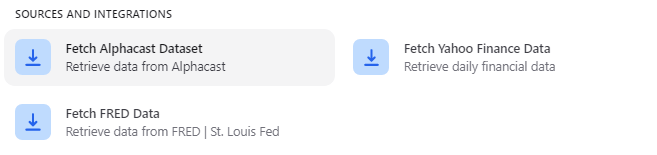
Select a dataset
Start typing in the search box and matching datasets appear as you type. Pick the one you want and save the step.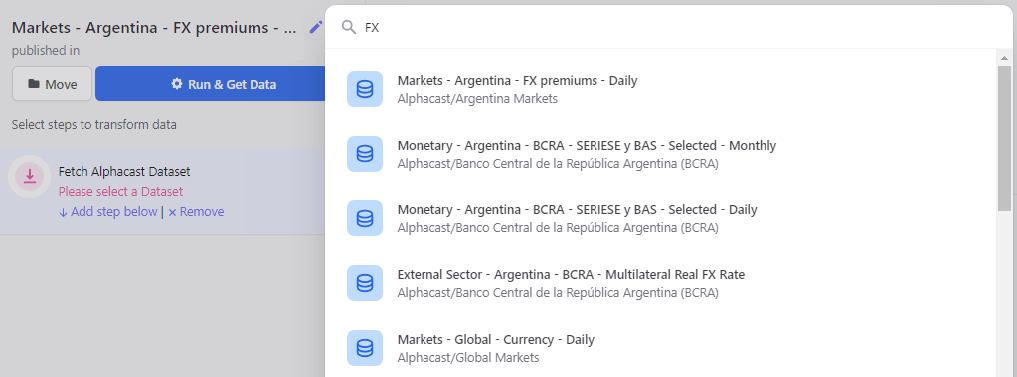
You can only fetch datasets you have read access to. See Repositories for how access levels work.
Next steps
Select columns
Narrow the dataset down to the columns you need.
Filter dates
Restrict the pipeline to a date range.