1
Create a pipeline
Click Create new pipeline in the top right corner, choose the repository and a name, then click Create.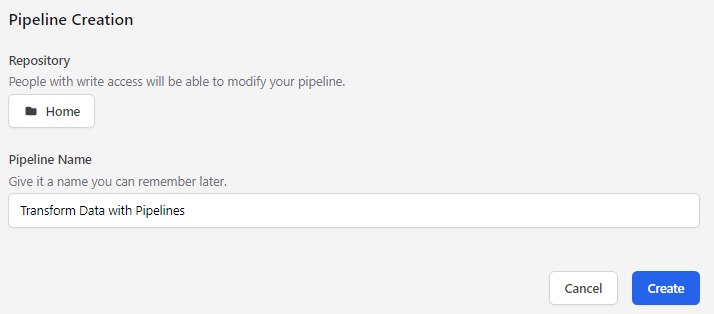
2
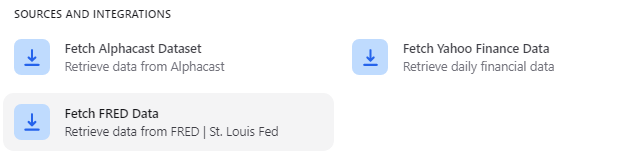
Add the Fetch FRED Data step
3
Enter the series codes
Every FRED series has a unique code, shown both in the page URL and next to the series name. In the example below the codes are 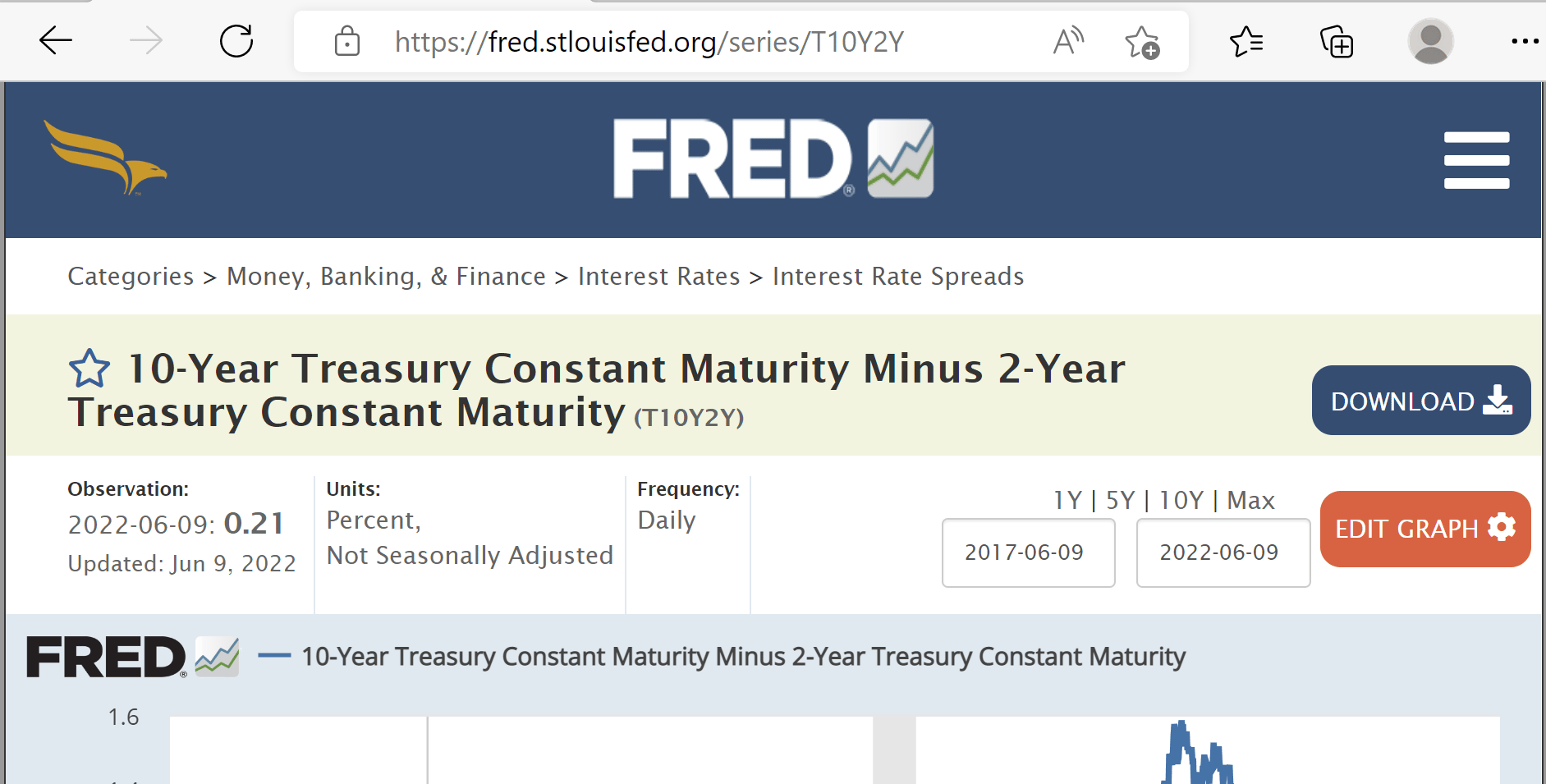
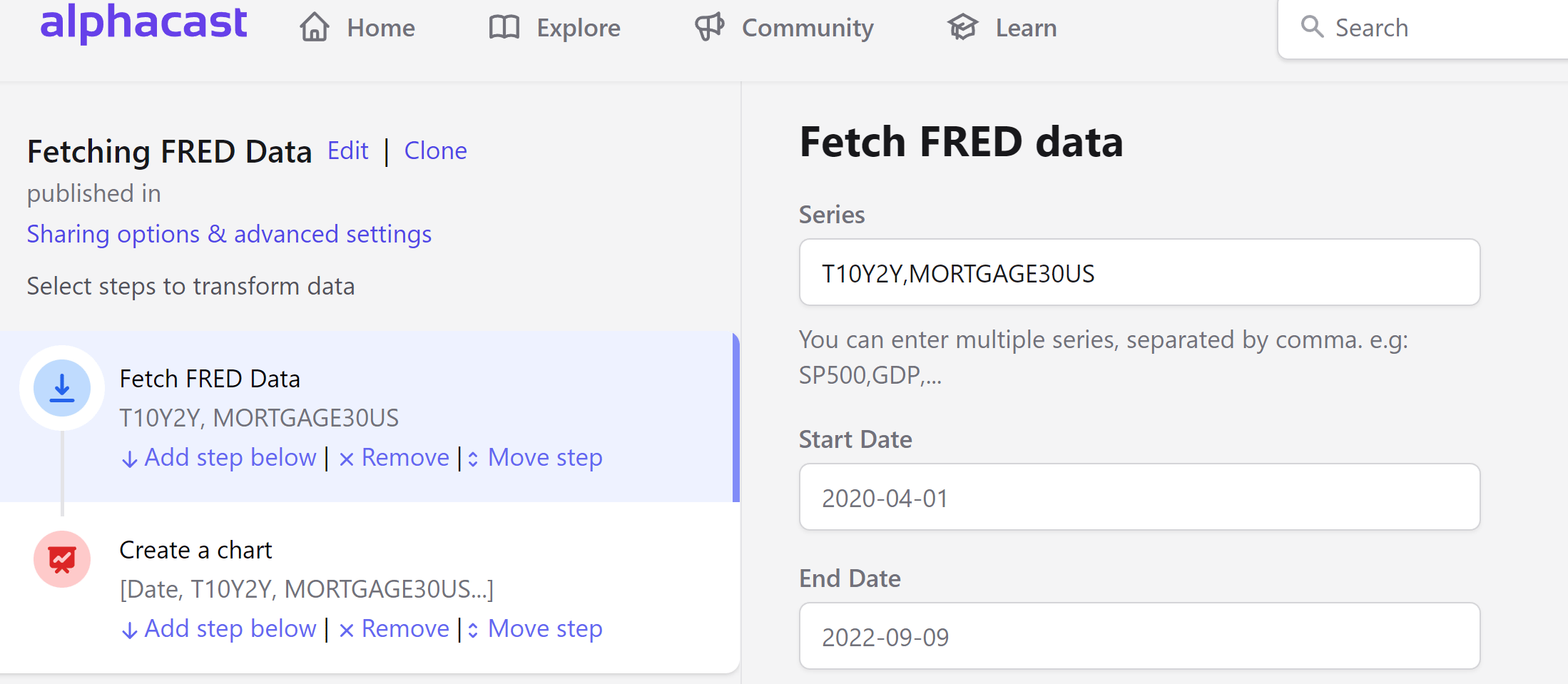
T10Y2Y and MORTGAGE30US.FRED series can also be browsed and fetched through the Data Providers API — see Data providers.
Next steps
Publish dataset
Save the result as an auto-updating dataset.
Apply transform
Compute year-over-year changes, moving averages and more.