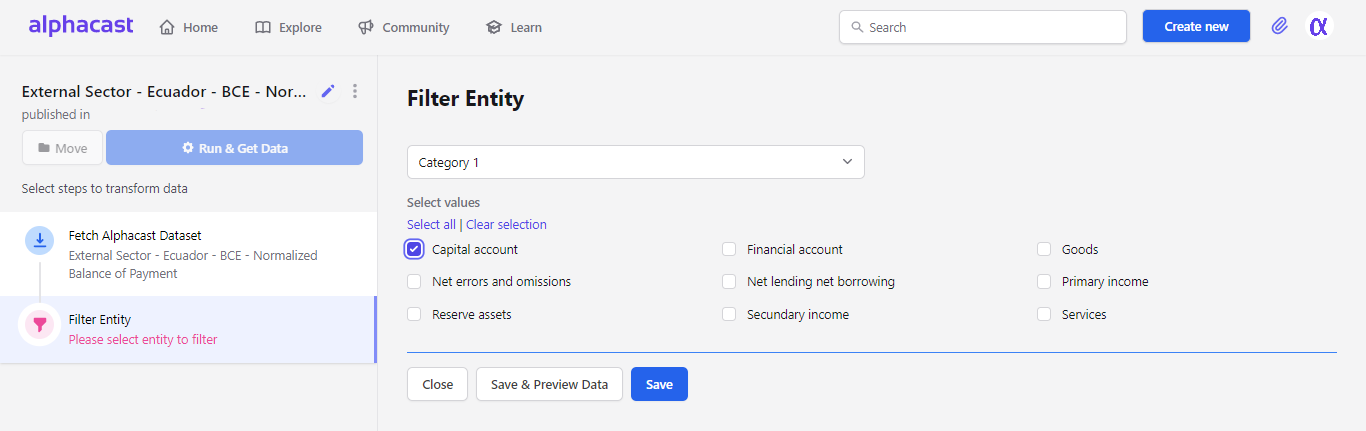
The Filter Entity step narrows a dataset down to specific entity values, so the following steps only process the rows you care about. In this example, you pick the category you want to work with:
Selecting entity values to keep
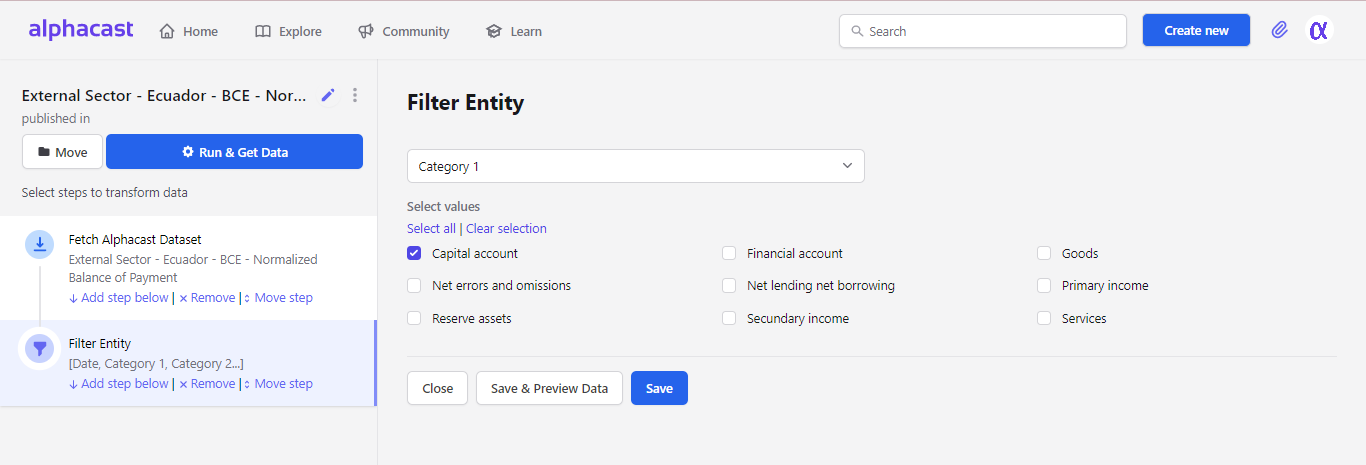
From this point on the pipeline carries only “Capital Accounts” — every other entity is dropped. Click Save and the pipeline reruns with the filter applied.
Pipeline result after filtering to a single entity
Entity columns are the columns that uniquely identify a row. See Regroup entities if you need to collapse an entity rather than filter it.

Next steps

Filter rows

Filter by value instead of by entity.

Filter dates

Restrict the pipeline to a date range.