How series are enumerated
The step scans the dataset and builds the list of available series by crossing every non-entity variable with every distinct combination of entity values. Combinations with no data for that variable are left out, so the picker only shows series that actually exist.Configuration
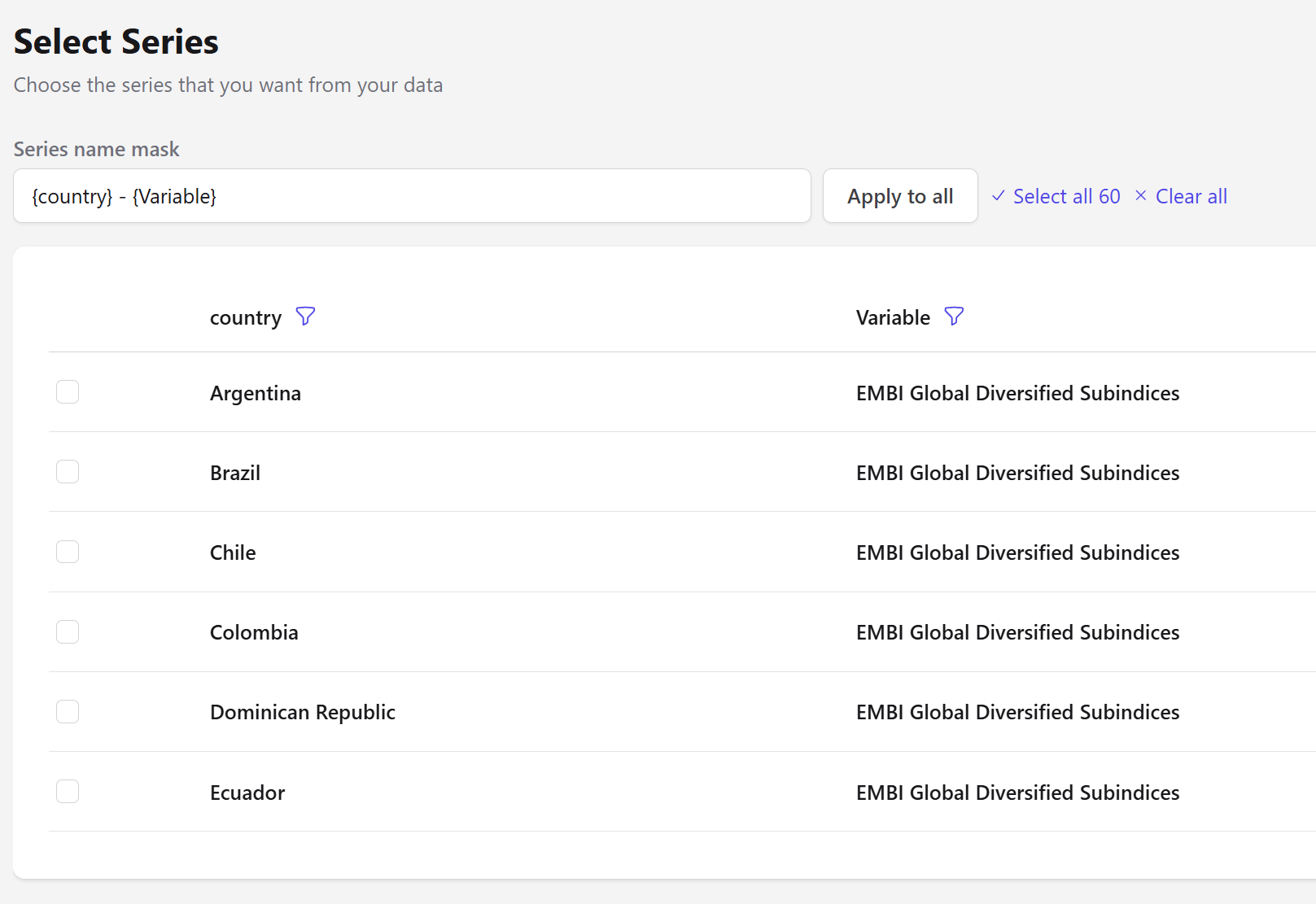
Each entity column and the variable become filterable columns in the picker, so you can narrow a long list before selecting.
Naming with a mask
The series name mask names every resulting column from a template, using the entity and variable names as placeholders. The default is:Argentina - EMBI Global Diversified Subindices. Edit the mask and press Apply to all to rename every selected series at once.
The output is flattened: entity columns disappear and each selected series becomes its own column keyed on date. This is close to what Unstack does, but driven by an explicit selection rather than by pivoting a whole column.
Next steps
Filter Entity
Keep entity structure and filter by value instead.
Create a Chart
Chart the selected series.