Configuration
The step detects the input frequency and offers only the conversions valid for it.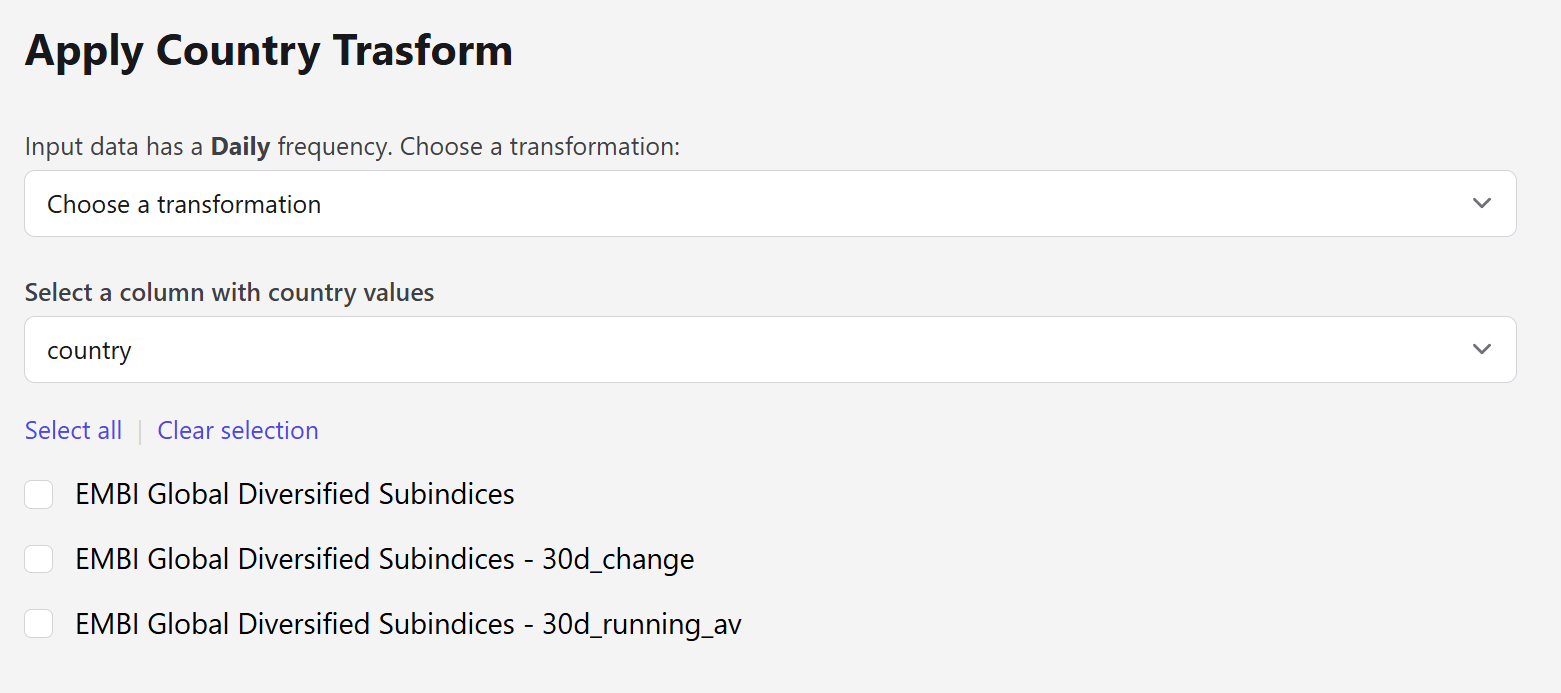
This is the step’s distinguishing feature. Apply Transform requires the dataset to carry a country entity; here you can point at any column, or declare a single country outright — which is what makes these conversions possible on datasets that never named a country in the first place.
Available conversions
Daily data
Daily data
Monthly data
Monthly data
Quarterly data
Quarterly data
Yearly data
Yearly data
Next steps
Apply Transform
The full transformation set, including changes and moving averages.
Validate Countries
Harmonize country names so the reference data matches.