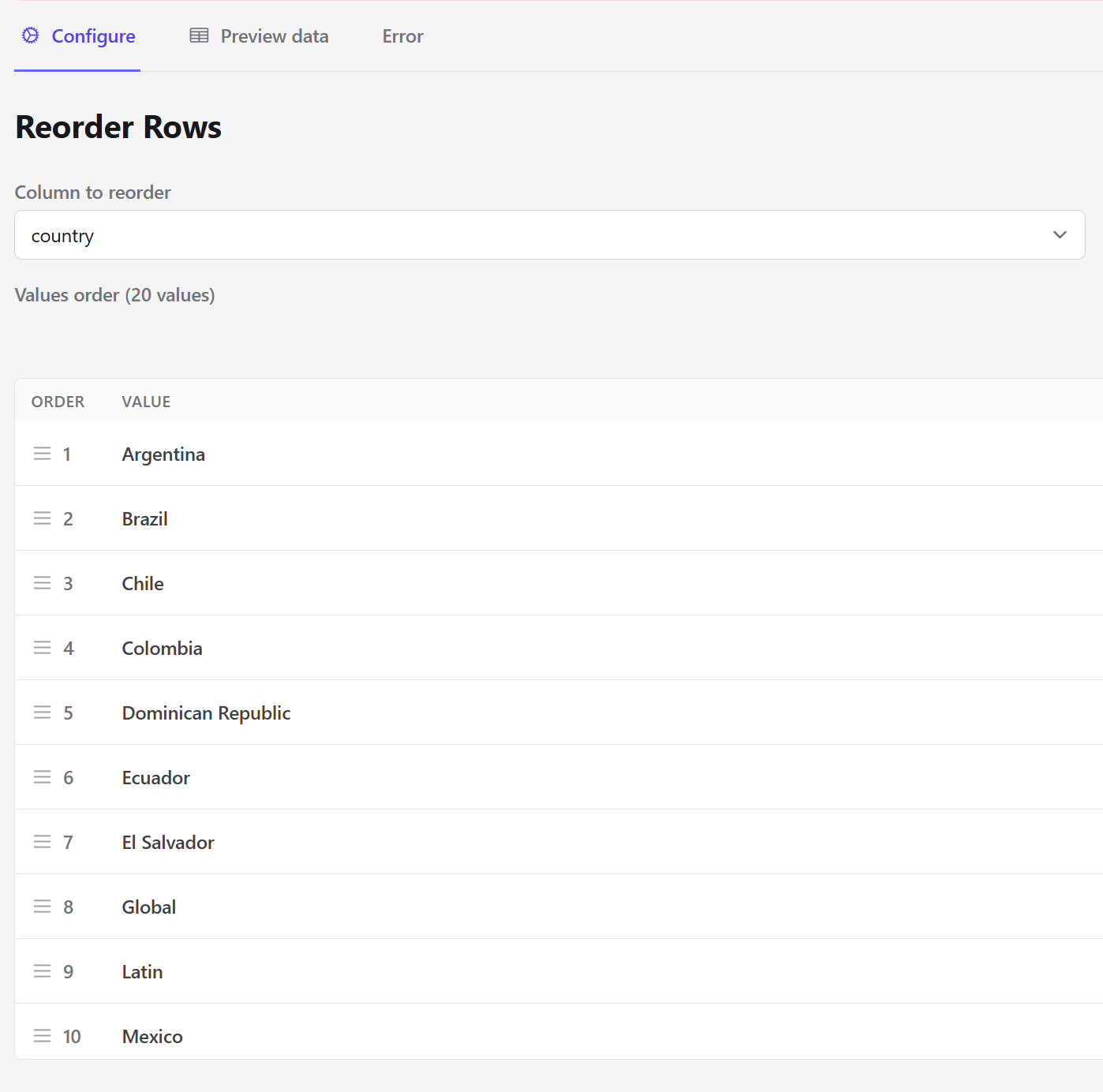
The Reorder Rows step arranges rows by putting the values of an entity column into an explicit order you define. Unlike Sort Rows, which sorts by value, this step lets you impose an order that isn’t alphabetical or numerical — regions ordered by size, categories in reporting order, countries in a conventional sequence.

Configuration

Reorder Rows step with the draggable list of entity values
Rows are then sorted by that sequence and, within it, by date.
Any value present in the data but missing from your list is appended after the ones you ordered, rather than dropped. You only need to list the values you care about positioning.
The step fails if the dataset has no entity columns, or if the selected column is not present at that point in the pipeline.
This matters most right before an output step. Legend and series order in Create a Chart and row order in Create a Table follow the order the data arrives in.

Next steps

Sort Rows

Sort by value rather than by an explicit sequence.

Reorder Columns

Change column order instead.